Guides
What are AI agents? How they work, types and business examples
What AI agents are, how they work, how they differ from chatbots, automation and ChatGPT, the main types, and real examples for your business.
12 min read

On this page
An AI agent is software that uses artificial intelligence to reach a goal on your behalf, not just to chat. It understands what it's asked, decides which steps to take, uses tools like your email, calendar or CRM, and checks with a person when something falls outside its rules.
Put simply: a chatbot answers; an AI agent gets the work done. It replies to the customer, yes, but it also books the appointment, logs the contact or sends Monday's report.
This guide covers how agents work under the hood, how they differ from other tools, the main types, real examples and their limits.
What is an AI agent, in plain terms
Think of a new hire. You give them a job, a handbook, access to a few tools and one rule: "if you're not sure, ask." An AI agent is that, built in software.
OpenAI's practical guide to building agents defines agents as "systems that independently accomplish tasks on your behalf." It also points out that a simple chatbot, one that doesn't control the steps of a process, isn't an agent.
To count as a real agent, it needs three things:
- A goal. Not "chat," but something concrete: book an appointment, close an order, answer a teammate's question.
- The ability to act. Tools to do things outside the chat: check a calendar, write to a spreadsheet, create a contact in the CRM.
- Limits. Rules about what it can and can't do, and a clear point where it hands the case to a person.
Give an agent a permanent role in your business, with a name, a manual and someone who reviews its work, and many people start calling it an AI employee or AI worker. Same technology, seen as part of the team.
How an AI agent works
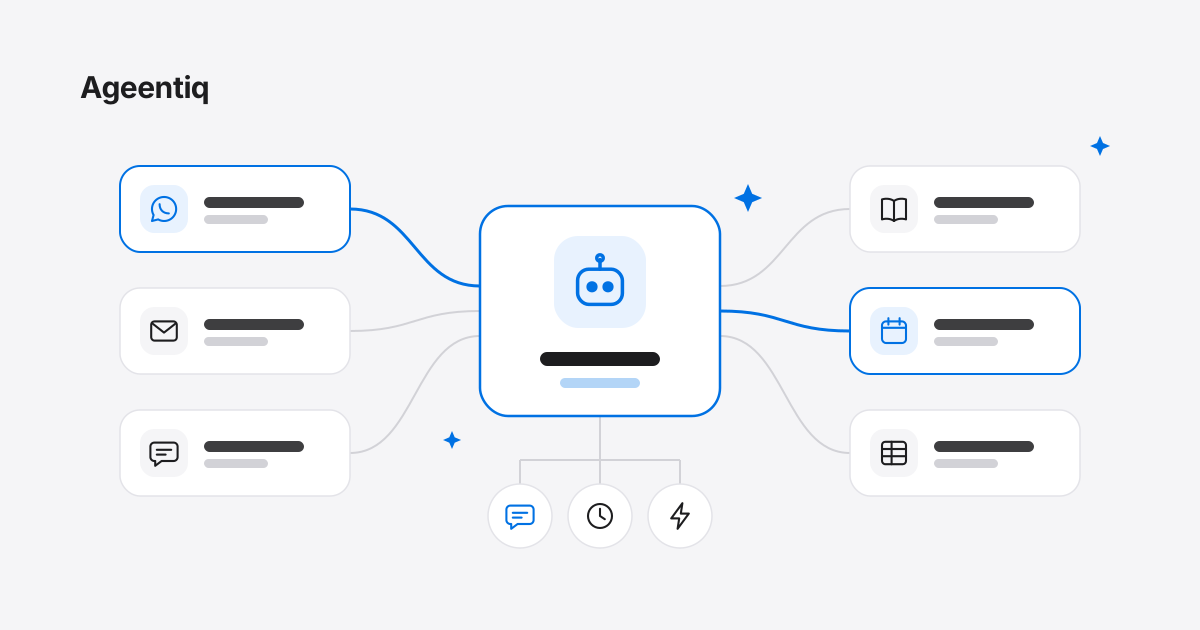
OpenAI's guide names three core components: the model, the instructions and the tools. In a real business you add three more: what it knows, where it works and what sets it in motion.
- The model. The part that understands and decides. It's a language model, the same kind of technology behind ChatGPT, Claude or Gemini. It gets what people mean even when they write with typos or half a thought.
- The instructions, its manual. Its job, its tone, its rules and when it asks for help. The same guide notes that clear instructions reduce ambiguity and errors.
- The tools. Without them, an agent can only talk. With them, it can look up your catalog, see your free slots, create an event, log a contact or send an email.
- What it knows. Your documents, prices, policies and what has already happened in the conversation. The more specific its sources, the less room it has to make things up.
- The channels. Where it works: WhatsApp or email with customers, Slack or an internal chat with your team.
- The trigger. What gets it working. It can be someone writing to it, a set time (every Monday at 8, say) or something happening in another app: a form comes in, an email arrives, a deal changes stage in the CRM.
An example, step by step
A patient messages a clinic on WhatsApp: "Do you have anything tomorrow afternoon?"
- Understands she wants to book, for tomorrow, in the afternoon.
- Checks its tool: the free slots in the calendar.
- Replies with two options.
- Acts once she picks one: books it and sends the confirmation.
- Asks for help if something falls outside its rules. If she asks for a discount that isn't in the manual, it asks someone on the team and waits instead of making something up.
That loop (understand, decide, use a tool, check the result, keep going) is what separates an agent from a program that only replies.
AI agent vs. chatbot vs. automation vs. ChatGPT
These four get mixed up all the time.
| Menu chatbot | Automation (Zapier-style) | Assistant (ChatGPT-style) | AI agent | |
|---|---|---|---|---|
| What starts it | Someone writes | An event: "when X happens, do Y" | You write to it | Someone writes, a set time, or an event in another app |
| How it decides | Buttons and keywords | Fixed rules you build | The model, with you alongside | The model, within your rules |
| What it does | Answers preset questions | Moves data between apps, the same way every time | Drafts, summarizes and researches for you | Completes tasks using tools |
| Who it works for | Your customers | Your systems | You | Your customers or team, even when you're away |
| When something doesn't fit | Repeats the menu | Fails or stops | Asks you | Asks a person and waits |
The line between assistant and agent is blurring. In July 2025, OpenAI added an agent mode to ChatGPT that carries out tasks on a virtual computer and asks for permission before consequential actions. The practical difference is who it works for: an assistant helps you when you write to it; a business agent covers your channels, even when nobody's watching.
So which one do you need? Gartner put it neatly in a June 2025 press release: use AI agents when decisions are needed, automation for routine workflows and assistants for simple retrieval. Anthropic, the company behind Claude, makes a similar point in its guide to building effective agents: find the simplest solution possible. Sometimes that means not building an agent at all.
Types of AI agents
There are several ways to sort them. These are the most useful for a business.
By how much autonomy they have
- Supervised. They propose, a person approves. For example, they draft your social posts and you decide which ones go out.
- Semi-autonomous. They act on their own within their rules and hand off anything outside them. This is the usual setup for customer service, sales and scheduling.
- Autonomous. They decide and act without review. Few work this way today. Gartner predicts that by 2028 at least 15% of day-to-day work decisions will be made autonomously through agentic AI, up from 0% in 2024.
Rule of thumb: start supervised and give it more autonomy as you come to trust its work.
One agent or several
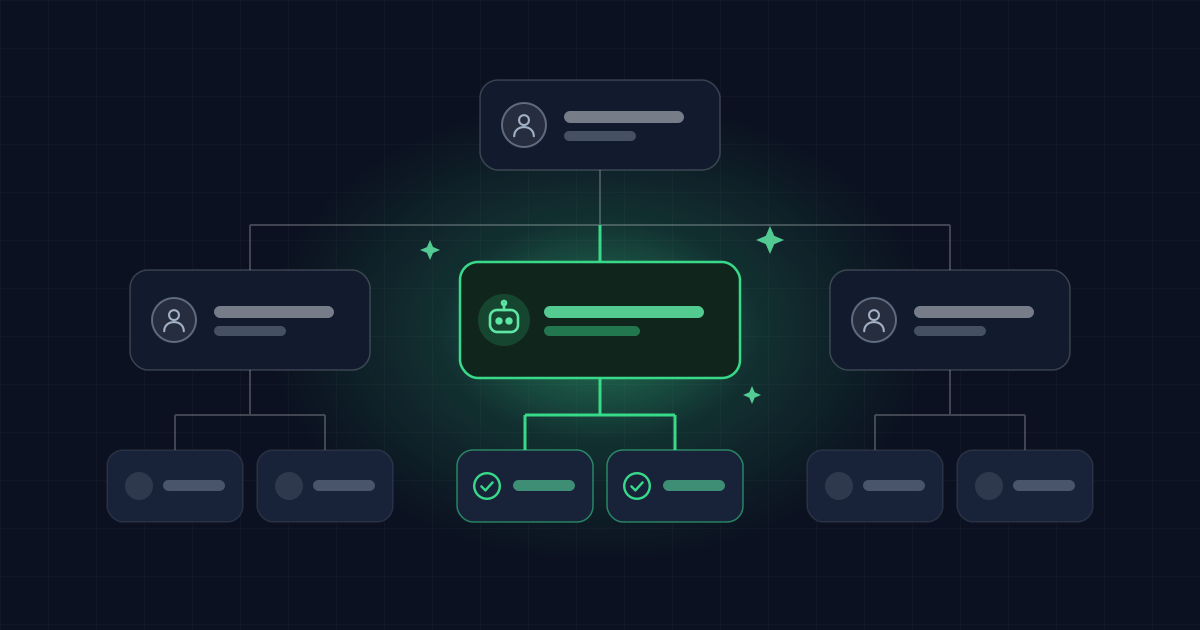
OpenAI's guide describes two designs. A single agent does the job end to end with its tools, and they recommend starting there. In a multi-agent system, the work is split among coordinated agents: one serves customers, another manages the calendar, another coordinates the rest.
Splitting makes sense when one agent starts struggling with too much: it stops following complicated instructions or keeps picking the wrong tool. An agent with one job is easier to test and to fix.
By the job they do
Customer service, sales, scheduling, internal support, reporting, content and research. You'll find examples of several below.
If you want the more theoretical taxonomy, IBM summarizes it as five types: simple reflex, model-based reflex, goal-based, utility-based and learning agents. It's useful for understanding the theory, less so for picking an agent for your business.
Examples of AI agents in business
Here's what they look like in practice.
Selling on WhatsApp
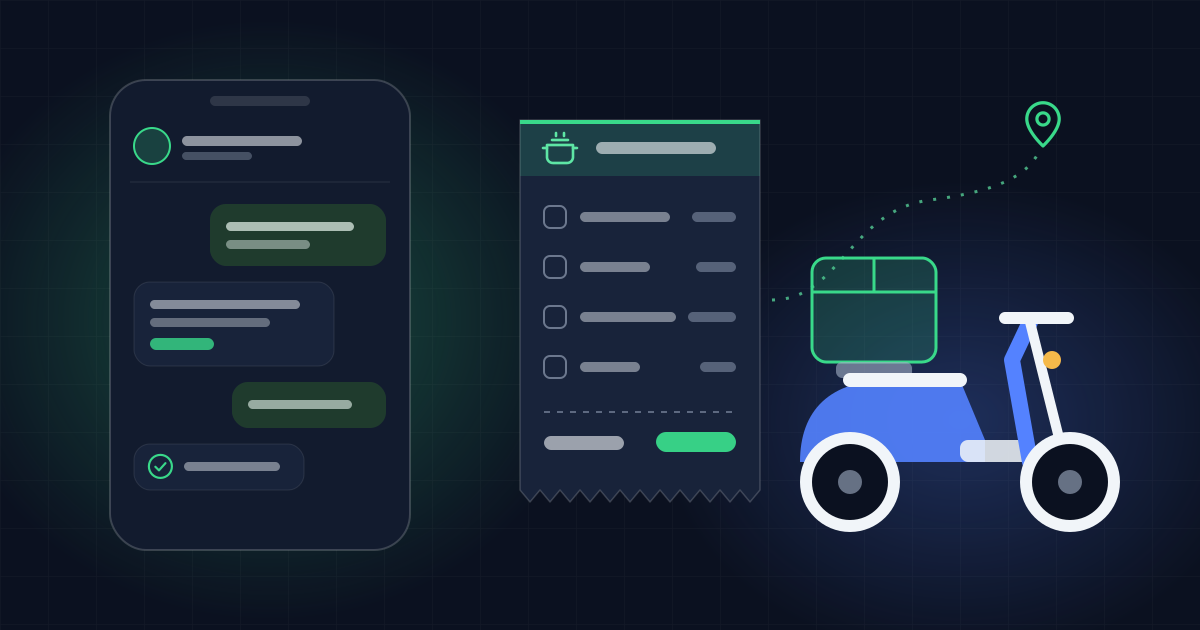
It answers questions about your products using your catalog's prices, sends photos, builds the order inside the chat and offers your payment options. When the customer sends a payment receipt, it lines it up for a person to check. Complaints and payments that don't add up go to a human. Running a restaurant? See our practical guide to AI for restaurants.
Booking appointments
For clinics, salons, schools and professional services. It explains your services, offers open slots from your Google Calendar, books without double-booking and reminds the customer before the appointment. Urgent cases and health questions go to a person.
Internal support in Slack
It answers your team's questions using the company's handbooks and policies, kept in Notion or Google Drive: time off, processes, who to ask for what. If the answer isn't written down, it asks the right person and waits.
B2B email outreach, logged in HubSpot
It emails prospects with the message you define, follows up with those who didn't reply and logs every contact and reply in the CRM. When someone asks for special pricing or a meeting, your sales team steps in. Only email contacts you're allowed to reach under your local rules, and review the first emails yourself.
Weekly sales summary
Every Monday at 8, without anyone asking, it pulls last week's numbers from Google Sheets or your CRM and posts a short summary to your team's Slack channel: what went up, what went down and what's worth a look.
Content creation with human approval
It prepares images and copy for your Instagram or LinkedIn posts, using your brand and your products. Nothing goes live until a person approves it.
Where AI agents stand today
Interest is huge, but deep adoption is still rare.
- In McKinsey's state of AI survey, published in November 2025 with 1,993 participants across 105 countries, 62% said their organization is at least experimenting with AI agents: 23% are already scaling an agentic system somewhere in the enterprise and another 39% have started experimenting.
- In the same survey, no more than 10% of respondents in any given business function say they're scaling agents.
- Gartner predicts over 40% of agentic AI projects will be canceled by the end of 2027, due to escalating costs, unclear business value or inadequate risk controls.
- Gartner also warns about "agent washing": existing chatbots and assistants rebranded as agents. It estimates only about 130 of the thousands of agentic AI vendors are real.
The takeaway: agents that work have a specific job, clear rules and a way to measure whether they're paying off.
Benefits of AI agents
- They reply in seconds, at any hour. Nobody has to watch the phone at 11 p.m.
- They handle many conversations at once, peak hours included.
- They do repetitive work the same way every time: hours, prices, requirements, the same process on every order.
- They connect apps you currently stitch together by hand: from WhatsApp to a spreadsheet, from email to the CRM.
- They free up your team for work that needs judgment: negotiating, handling a sensitive issue, looking after a key customer.
Limits and risks of AI agents
An AI agent isn't magic. These are the real risks and how to handle them.
They can make things up
AI models sometimes give confident answers that are wrong. This is called hallucination. A well-known case: Air Canada's chatbot described a refund policy the airline didn't have. In 2024, a Canadian tribunal sided with the customer, finding the airline did not take reasonable care to ensure its chatbot was accurate.
How to reduce it: give the agent a source of truth (your catalog, prices, written policies) and a rule: if it isn't there, ask a person.
They need clear rules
If the rules are vague or contradict each other, the agent will answer differently every time. Write them as you would for a new hire: short sentences, one rule per sentence, with examples of the tricky cases.
Some decisions belong to a person
OpenAI's guide recommends human intervention when the agent keeps failing, say it still can't work out what the customer wants after several tries, and before sensitive, irreversible or high-stakes actions such as canceling orders, authorizing large refunds or making payments. Add serious complaints and health or legal matters to that list.
Privacy and data access
An agent sees whatever you connect it to. Give it only the access its job requires, check the permissions of every app you connect, tell customers they're talking to an assistant and follow your country's data protection rules.
They cost money without a clear goal
Many projects fail for the reasons Gartner lists: rising costs and unclear value. Before you build an agent, decide what it should improve and how you'll measure it: response time, appointments booked, orders closed, hours your team gets back.
How to get started with an AI agent
You don't need a big project. You need one specific job.
- Pick a single job. "Book appointments" beats "handle everything."
- Write its rules as you would for a new hire, including when to ask for help.
- Connect only what it needs: its channel and the two or three apps its job requires.
- Test it yourself first, with easy cases and hard ones.
- Review its conversations for the first few weeks and correct it on real cases.
- Measure whether it saves time or brings results, and expand from there.
Getting started with Ageentiq
Ageentiq is one way to do it without code. You start with your goal: you describe it, see it as a map of steps and get one concrete step each day. For the work itself, you set up AI agents, each with one clear job, built your way.
- Channels: with customers they work on WhatsApp and email; with your team, in Slack too.
- Tools: they connect to 1,500+ apps, such as Gmail, Google Sheets, Notion or HubSpot.
- How you teach them: by chatting with them. Nothing is saved until you confirm.
- When they don't know: they ask a person and wait, instead of making things up.
- To start: a free plan with up to 50 conversations a month, no card required.
Step by step: How to create your first worker. Want to compare options first? See the best free AI agents in 2026. Ready to try? Create your free account.
Frequently asked questions
What is an AI agent, in short?
Software with artificial intelligence that reaches a goal for you: it understands what it's asked, decides the steps, uses tools like your calendar or CRM, and hands a person anything outside its rules.
What's the difference between an AI agent and a chatbot?
A traditional chatbot answers with a menu or fixed replies. An AI agent understands what people actually write and completes tasks: it books, logs, builds orders. There's another comparison in what is an AI employee.
Is ChatGPT an AI agent?
ChatGPT is mainly an assistant that works with you when you write to it, though OpenAI has been adding agent features. A business agent works on its own in your channels, with your tools and your rules.
What are some examples of AI agents?
Selling on WhatsApp, booking appointments, answering internal questions in Slack, emailing prospects and logging everything in HubSpot, sending the sales summary every Monday, or preparing posts a person approves.
Will AI agents replace people?
They take over part of the work: the repetitive parts and anything with clear rules. Sensitive decisions, exceptions and customer relationships stay with people.
Do I need to know how to code?
No. Some platforms let you set up an agent by talking to it in your own words. Coding helps if you want to build one from scratch.
How much does an AI agent cost?
It depends on the tool and how many conversations you have. There are free plans to start: Ageentiq's includes up to 50 conversations a month, no card required. We compare several options in best free AI agents in 2026.