Tools
AI tools for small business: how to use ChatGPT, Canva, Meta Ads and CapCut (2026 guide)
ChatGPT, Canva, Meta Ads and CapCut, step by step: what each one does for free, what it costs in the US, and the tasks you can get done this week.
9 min read

On this page
Most small businesses already use AI. The U.S. Chamber of Commerce found that 58% of small businesses use generative AI, up from 40% a year earlier. And it isn't just the US: in Colombia, a 2025 Microsoft study (in Spanish) found that two in three small businesses use AI, and 58% say it saves them time.
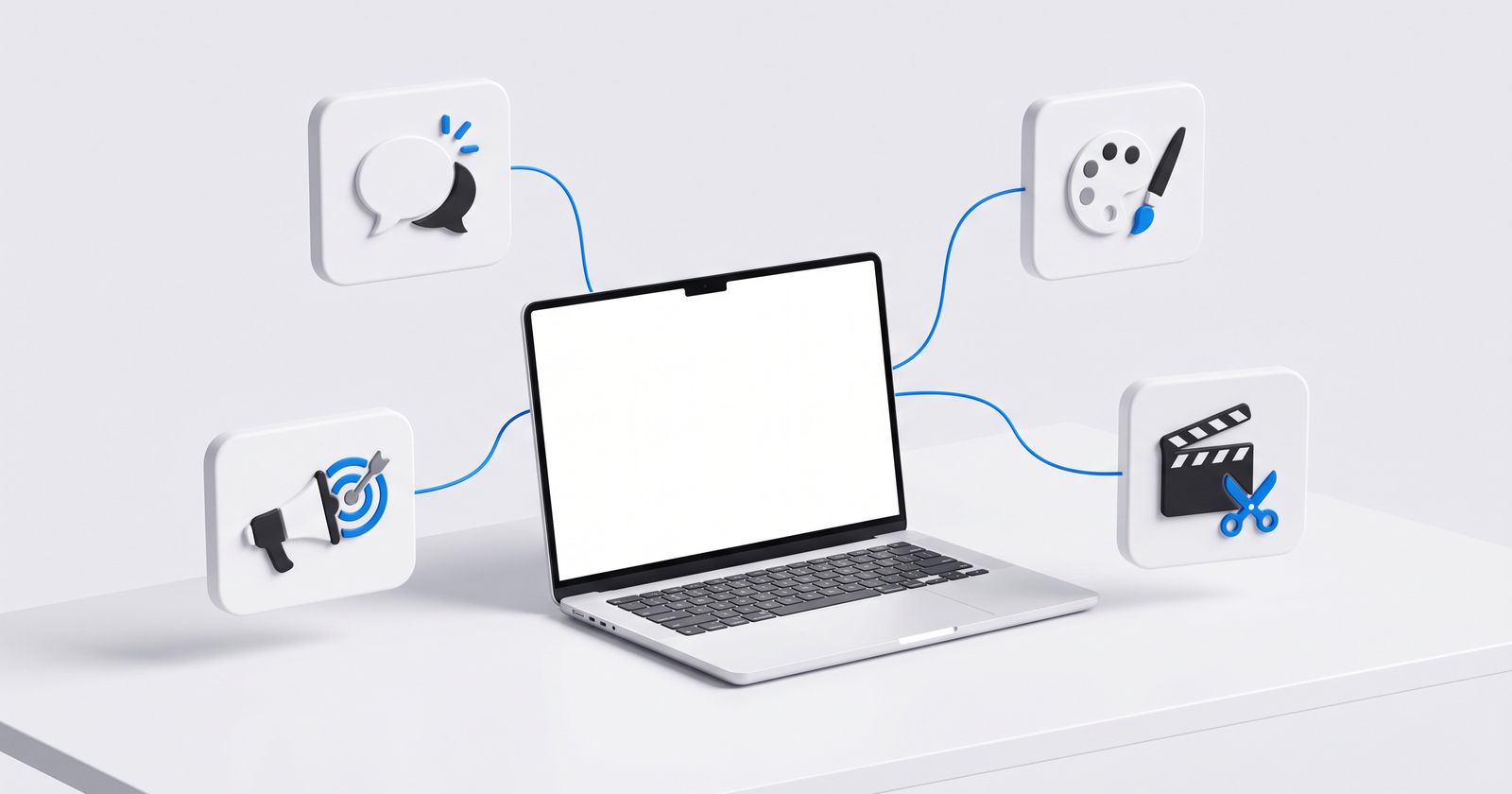
So the question isn't whether to use AI anymore. It's which job to give it. This guide walks you through four tools that cover almost everything a business selling on social media and chat needs: writing, design, ads and video. You'll see what each one does for free, what it costs, and what you can get done this week.
At a glance: what each tool does and what it costs
| Tool | Your helper for… | What you get free | Cheapest paid plan (US) |
|---|---|---|---|
| ChatGPT | Writing: descriptions, replies, ideas | Unlimited everyday chat, web search, file uploads, some images | Go: $8/month |
| Canva | Design: posts, stories, catalogs | Templates, Magic Write, Chat with Canva AI, Mockups | Pro: $18/month or $144/year per person |
| Meta Ads | Ads: bringing new people to your WhatsApp | It's not a plan: you pay the budget you set | Whatever you decide to spend |
| CapCut | Video: reels with captions | Basic editing and free templates | Pro: $19.99/month (7-day trial, no card) |
Prices as of November 2026, US, before tax, from the official pages: ChatGPT (Go, Plus, all plans), Canva and CapCut. They change by country and promotion, so check the current price before you buy.
ChatGPT: your copywriter
What you get today: on the free plan you can chat as much as you want (with abuse-prevention safeguards), search the web, upload files and images, and create some images. File uploads, image creation, voice and data analysis have their own limits, and ChatGPT tells you when you hit one (OpenAI help). If that falls short, the Go plan, at $8 a month in the US, gives you 10 times more messages, file uploads and image generation than Free. Plus, at $20 a month, adds advanced reasoning and higher limits. Free and Go may show ads; Plus doesn't.
One change worth knowing: you can no longer create custom GPTs on personal accounts (Free, Go, Plus or Pro). You can still use the ones that already exist.
Task 1: 10 product descriptions in 10 minutes
Paste in your product list along with this prompt:
You're the copywriter for my shop. I sell [what you sell] to [who you sell to]. Write a description of no more than 40 words for each product on this list. Keep it casual, use short sentences, lead with the benefit and end with a question that invites people to message us on WhatsApp. Then give me a 15-word version for Instagram.
Check every one. The AI doesn't know your sizes, materials or delivery times. If you don't give them to it, it makes them up.
Task 2: your WhatsApp quick replies
Write down the 10 questions you get most ("Do you ship?", "How long does it take?", "Do you take Venmo?") with your real answer, even if it's rough, and ask:
Rewrite these replies for WhatsApp: short, friendly, casual, easy on the emojis. Each one should end with a question that moves toward the sale. Don't change any facts.
Then save them as quick replies in WhatsApp Business. We explain how to use them in how to sell on WhatsApp.
Canva: your designer
What you get today: the free plan includes Chat with Canva AI, Magic Write, Magic Charts, Mockups and a limited amount of AI, including image creation. The most useful tools for selling are in Pro: Magic Resize, Background Remover, Magic Eraser and Magic Expand (Canva pricing).
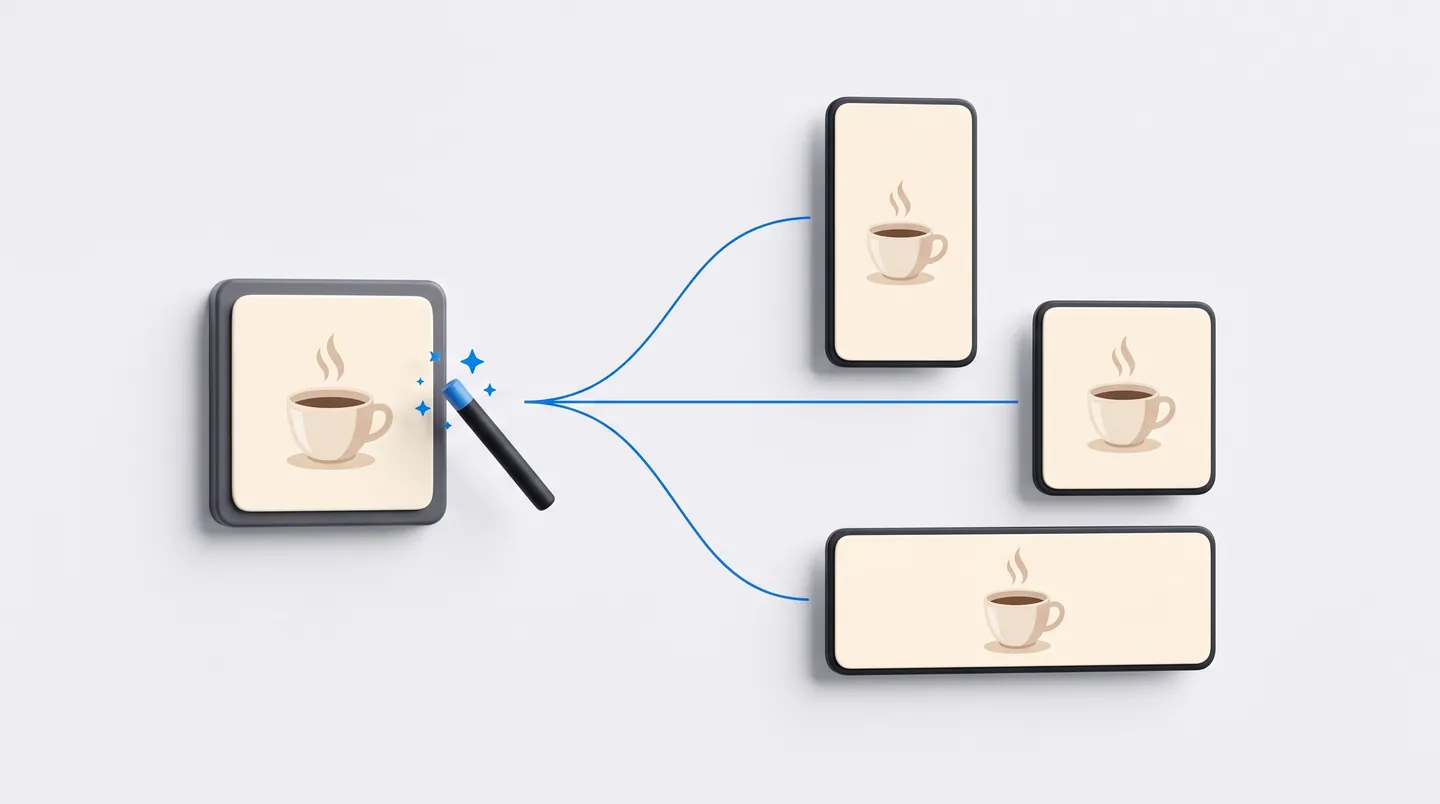
Task 1: one design, every format
Make the post once and let Canva adapt it into a story, a carousel or a banner (Canva help):
- Open your design and select Resize in the editor menu bar.
- Pick several sizes, or a bundle like "Vertical videos."
- Select Copy & resize. Check each version: sometimes text ends up too close to the edge.
Task 2: product photos with a clean background
With Background Remover (Canva help), you select the photo and tap BG Remover in the toolbar. From Projects you can do a whole folder at once, up to 50 photos per folder. Put the same colored background behind all of them and your catalog instantly looks like a brand.
Good to know: Canva says Background Remover, used on its own, doesn't add the metadata that marks an image as "AI content," so your photo shouldn't get labeled that way on Instagram or TikTok.
Meta Ads: your salesperson for new customers
What you get today: Ads Manager comes with several AI features. The ones that help a small business most:
- Advantage+ audience: Meta's AI finds who to show your ad to, using what you suggest as a starting point (Meta help).
- Text generation: suggests up to 5 variations of your primary text and your headline (Meta help).
- Image generation: variations of your image. It isn't available to every advertiser or campaign yet.
One to watch: video generation turns several product photos into a short video with clips, text and music. It works for English-language ads, but only in select business categories, so you may not see it yet (Meta help).
Task: an ad that sends people to your WhatsApp
First, connect your WhatsApp Business account to your Facebook Page. Then, following Meta's help:
- + Create → choose the Traffic or Engagement objective.
- In the Conversion section, choose Message destinations and check WhatsApp.
- In the audience, keep Advantage+ on, set your city under Locations and add your age range as a suggestion.
- Write primary text of at least 5 words and check the Text generation variations you like.
- In Message template, write a greeting and two or three suggested questions. Publish.
You decide the budget. Meta does set a minimum, which varies by country, currency and how you set up the campaign, and Ads Manager warns you if you're under it (Meta help). In the US you can pay with a credit or debit card (Visa, Mastercard, American Express, Discover), PayPal or direct debit from your bank (Meta help).
About the AI label: Meta automatically adds an "AI info" label when you use its tools to generate backgrounds, images or animations, or when it detects in the file's metadata that the image came from another AI tool. If your ads run in California or New York, you may also get the option to disclose AI use yourself, because those states have their own transparency rules (Meta policy).
CapCut: your video editor
What you get today: editing, templates and basic tools for free. Pro, at $19.99 a month in the US, adds all premium templates and 1,200 AI credits a month. New users get 7 days of Pro without entering a card (CapCut pricing).
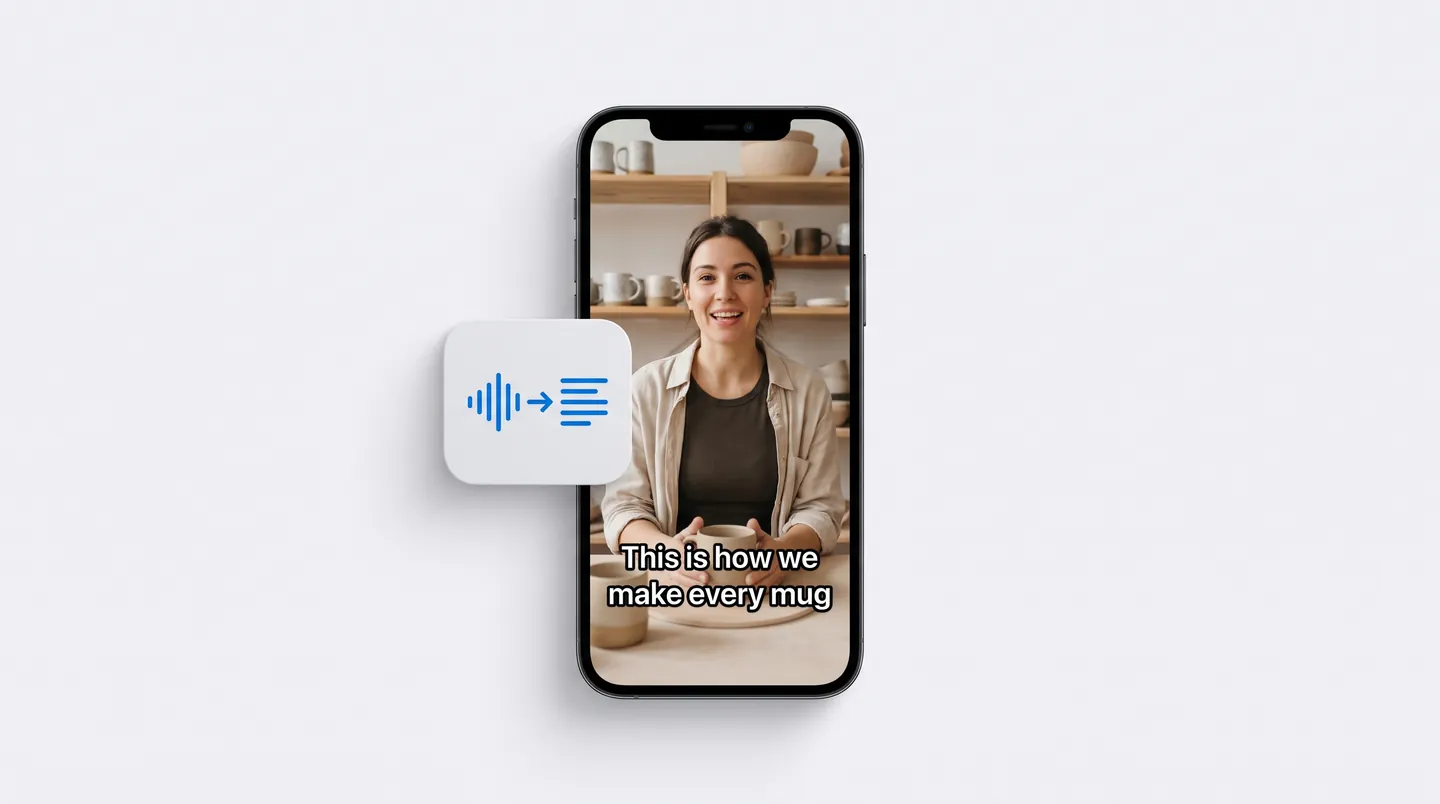
Task: auto captions for your reel
Anyone watching your video with the sound off only understands what they can read. Captions aren't decoration: they're the difference between people getting your message and scrolling past. In CapCut (CapCut help):
- Text → Auto captions.
- Pick the spoken language and tap Generate (on desktop, Recognize).
- Fix mistakes with Edit captions: the AI often gets names and brands wrong.
Before you export, check whether you used anything with the "Pro" icon. Some caption styles are Pro, and CapCut asks you to subscribe when you export (CapCut help).
About your rights: in its current terms, CapCut says it doesn't own your content, but you give it a broad license (non-exclusive, worldwide and perpetual) to operate and develop the service (CapCut terms). Those terms also say US users are covered by a separate US version, so if you edit content for clients, read the one that applies to you first.
A week with AI: a 5-day plan
| Day | Tool | What you walk away with |
|---|---|---|
| Monday | ChatGPT | 10 product descriptions and your WhatsApp quick replies |
| Tuesday | Canva | Catalog photos with clean backgrounds and 3 posts |
| Wednesday | Canva | Those 3 posts turned into stories and a carousel |
| Thursday | CapCut | A 30-second reel with captions |
| Friday | Meta Ads | An ad that sends people to your WhatsApp, with a 7-day test budget |
What AI won't do for you
These four tools make the content and bring people in. But the moment a sale is won or lost happens somewhere else: in the conversation. When someone messages at 11 p.m. asking "Do you have this in a size 10?", someone has to answer fast, with the real price and the right question.
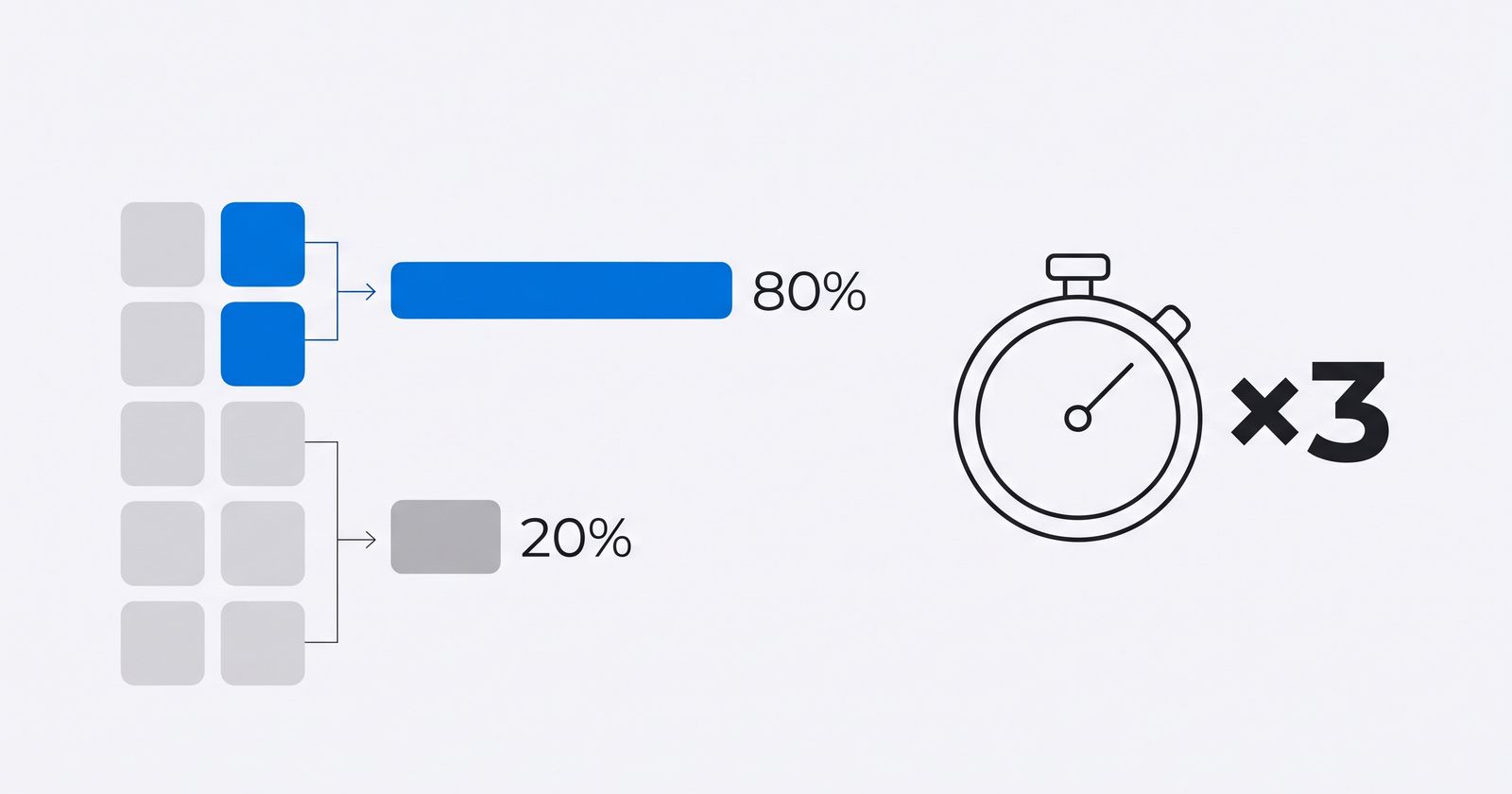
An AI agent can take on that job: not a tool you use, but a worker that handles it. With Ageentiq you set up agents that answer your WhatsApp, follow up with customers and create content you approve before it goes out. And if you want to free up more hours in your week before you automate anything, start by getting three times as much done with Musk's algorithm and the 80/20 rule.
Frequently asked questions
What are the best AI tools for small business?
For a business that sells on social media and chat, four cover almost everything: ChatGPT for writing, Canva for design, Meta Ads Manager for finding customers and CapCut for editing video. All four have a free way to start.
Is ChatGPT free?
Yes. The free plan includes unlimited everyday chat, web search and some image creation, with limits on uploads, images and voice. It may show ads. In the US, Go costs $8 a month and Plus costs $20 a month.
How much is ChatGPT Plus?
$20 a month in the US, billed monthly. OpenAI doesn't offer an annual plan for Plus.
Is Canva's AI free?
Partly. Magic Write, Chat with Canva AI, Magic Charts and Mockups are on the free plan, with limited use. Magic Resize and Background Remover require Canva Pro.
How much is Canva Pro?
In the US, $18 a month or $144 a year for one person, before tax. Prices vary by country.
Is CapCut free?
Basic editing and the free templates are. Features marked "Pro" require a subscription when you export. New users get a 7-day Pro trial without a card, and Pro costs $19.99 a month in the US.
How do I make Facebook ads with AI?
In Ads Manager, use text generation for variations of your copy, Advantage+ audience so Meta finds who to show it to and, if it's available to you, image generation. Video generation works in English but only for select business categories.
Are AI-generated ads labeled on Facebook and Instagram?
Yes. Meta shows "AI info" when you use its generative tools or when it detects the image came from another AI tool. People can see it in the ad's three-dot menu, under "About this ad."
Get new posts by email
One email when we publish: ideas to sell more, get more done and use AI in your business, with sources. Unsubscribe in one click.
By subscribing you accept our privacy policy.