Sell more
How to sell on WhatsApp without an online store: 9 secrets from top sellers
You don't need Shopify or a website to sell. An ad that opens WhatsApp and a good conversation can do it. Nine secrets, with data, examples and steps.
10 min read

On this page
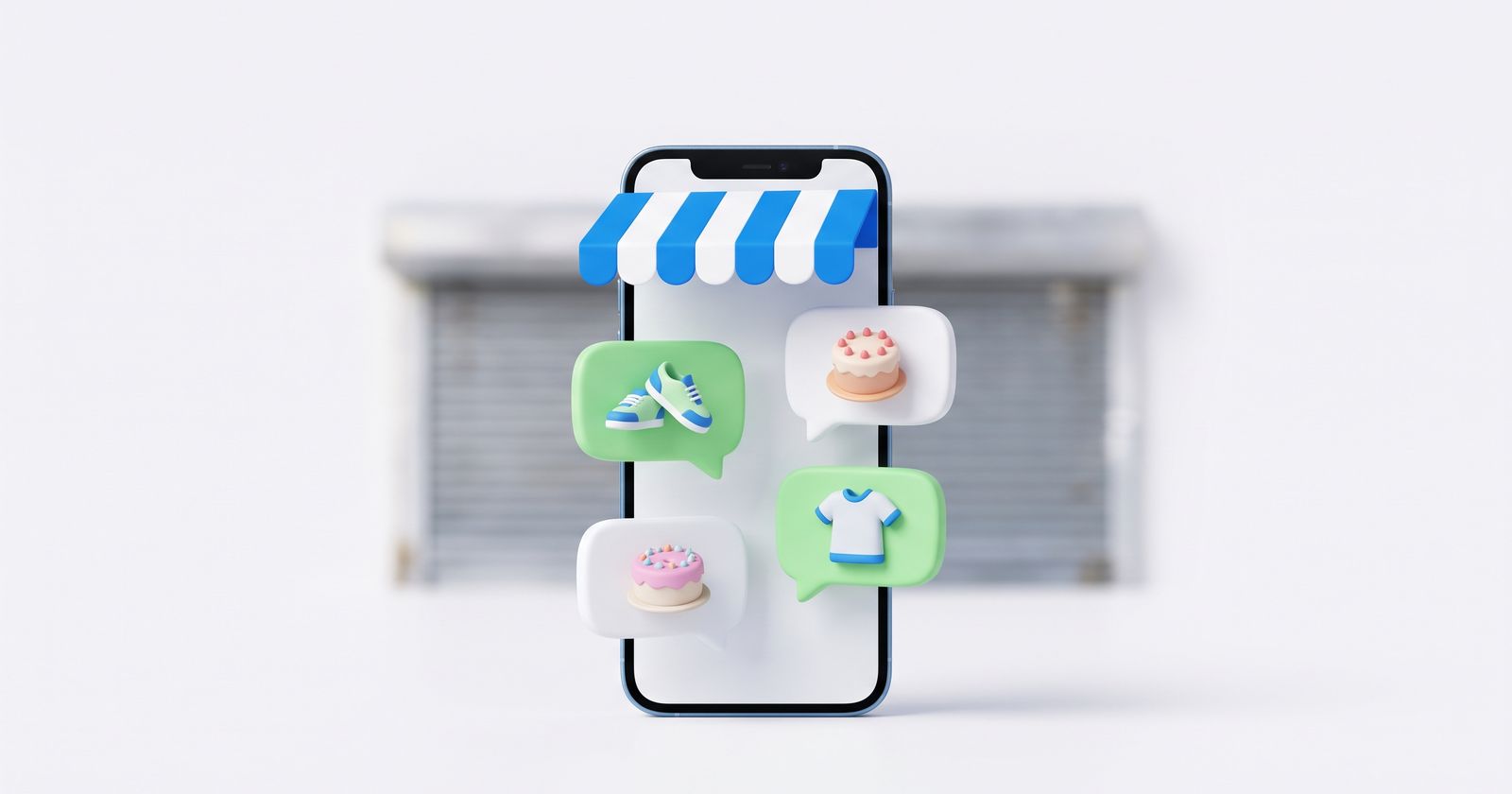
Here's something almost nobody tells you when you start selling: you don't need an online store to sell online. No Shopify, no website, no checkout page. You need people to message you, and you need to know what to say back.
The numbers back this up. In a Kantar study for Meta of more than 11,000 adults in 22 countries, including the US, the UK and Canada, 73.3% said they prefer messaging when they contact a business, and 72.4% said they're more likely to buy from a brand that offers messaging. And where WhatsApp is the default app, the field is already crowded: in Colombia, the telecom regulator found that 94% of companies use WhatsApp (article in Spanish).
In other words, your competitors are on WhatsApp too. What sets the best sellers apart is how they sell there. Here are their nine secrets.
Why you don't need an online store to get started
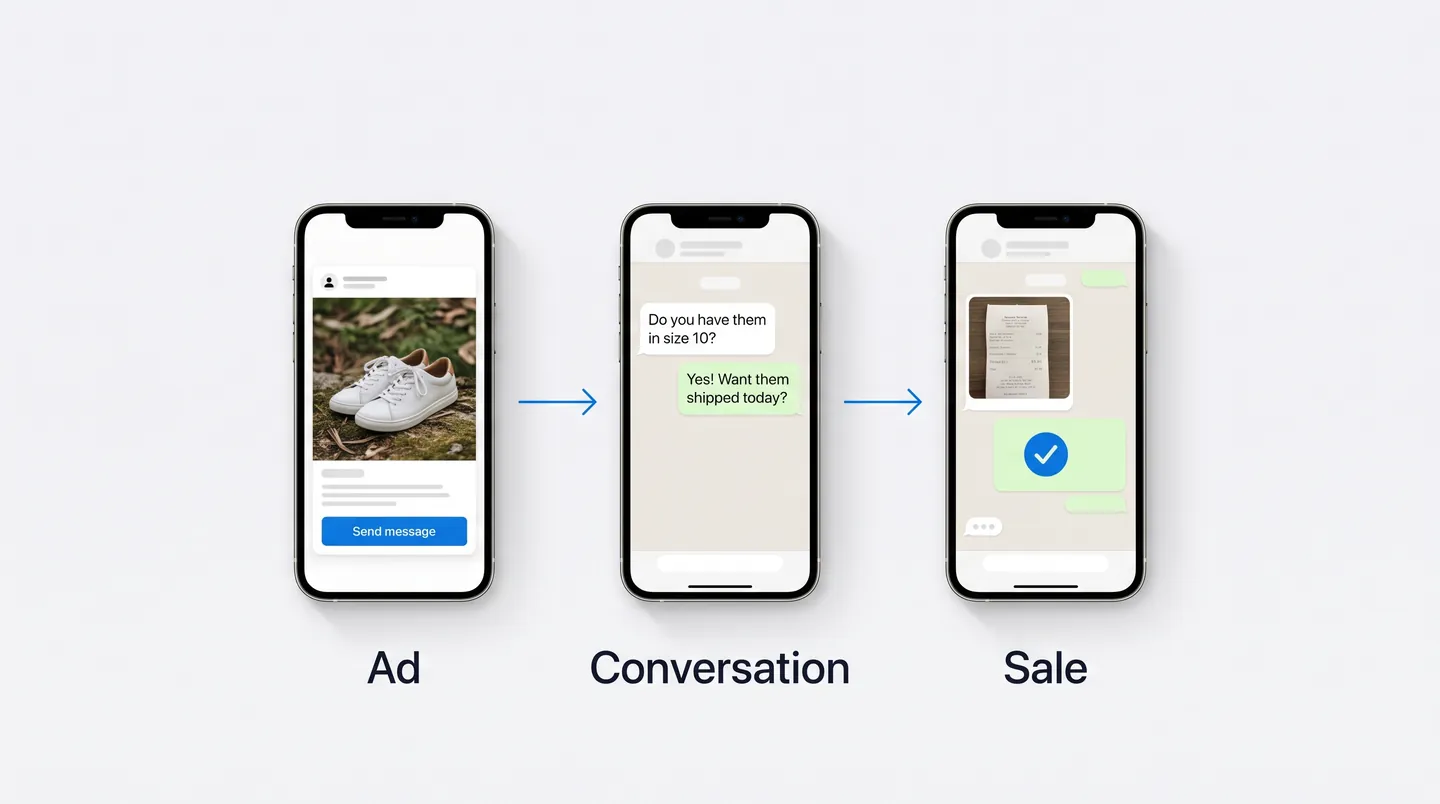
An online store waits for the customer to make up their mind alone. They read, compare, leave, come back (or don't). WhatsApp does something different: it turns a question into a conversation, and a conversation is something you can steer.
The shortest path has three steps:
- Ad. You pay so people who don't know you yet see your product, with a button that opens WhatsApp.
- Conversation. The customer messages you with a question ("Do you have them in size 10?") and you walk them to the purchase.
- Sale. You get paid with a payment link or a bank transfer, and you ship.
Meta knows this works. On its third-quarter 2025 earnings call, the company said revenue from click-to-WhatsApp ads grew 60% year over year. More and more businesses are selling this way.
The online store still has its place. It just comes later, once you know what sells and to whom. To get started, a good conversation beats a good web page.
Secret 1: Reply in minutes, not hours
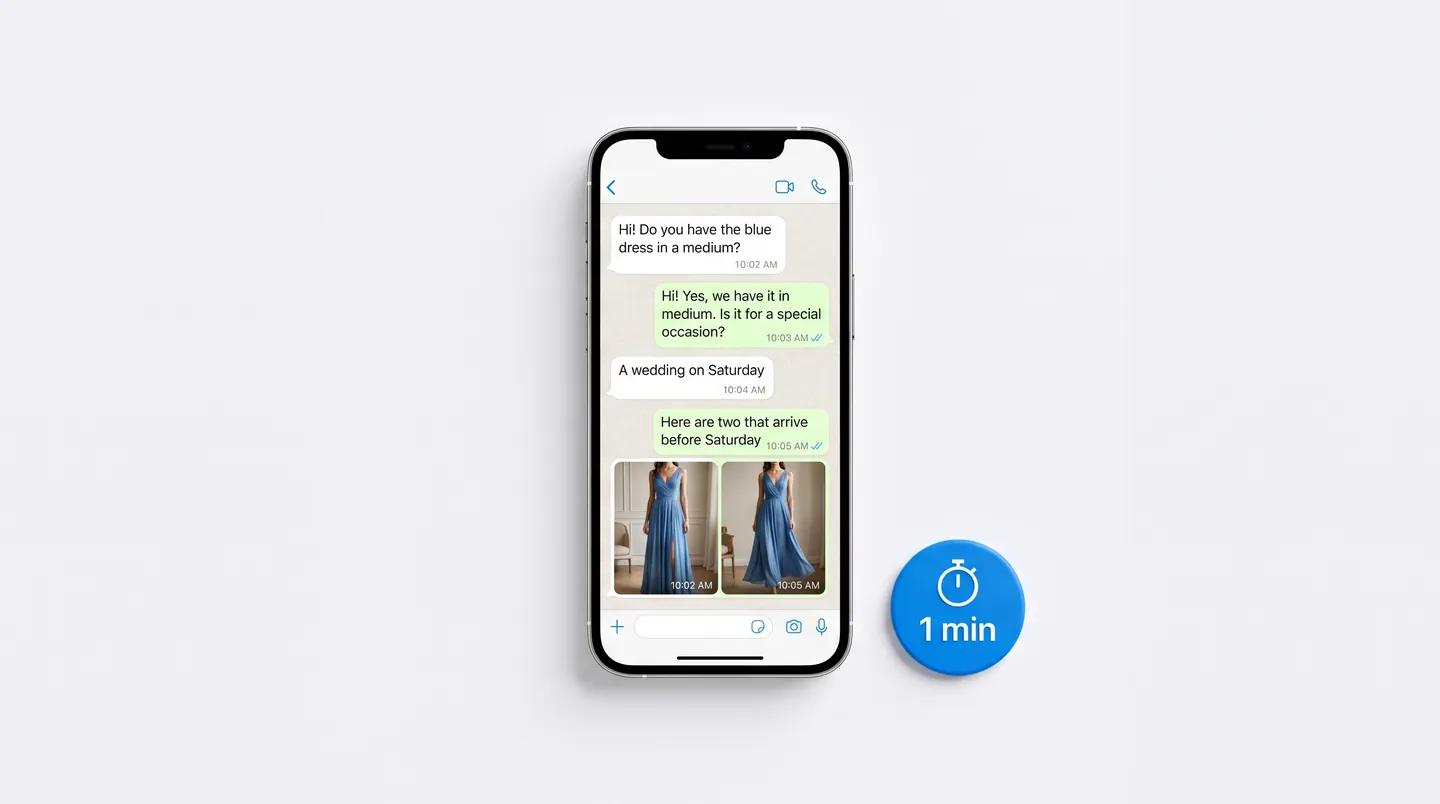
This is the one that leaves the most money on the table. In 2011, Harvard Business Review published "The Short Life of Online Sales Leads". The researchers audited 2,241 US companies with a test lead and found that the ones that tried to reach the customer within the first hour were nearly 7 times as likely to have a meaningful conversation as those that waited even one hour longer, and more than 60 times as likely as those that waited a day or more. 23% never responded at all.
Another study, led by James Oldroyd with more than 15,000 leads, found that the odds of reaching a lead drop 100 times when you call after 30 minutes instead of within 5.
A fair warning: both studies are about phone calls and email, not WhatsApp. But the logic carries over, and on WhatsApp your competitor is one swipe away.
What to do: turn on notifications for your business WhatsApp, decide who answers during which hours and track your average response time. If it's over 15 minutes, that's where your first lost sale is hiding.
Secret 2: The ad doesn't sell. It starts the conversation
The most common mistake is an ad that tries to close the sale on its own: price, terms, the works. An ad that works on WhatsApp has exactly one job: get people to message you.
There are three ways to build one:
- In Ads Manager: pick an objective such as Traffic, Engagement or Leads. In the Conversion section, choose WhatsApp as the place people message you. Then, in the message template, set up a greeting and suggested questions ("How much is it?", "Do you ship to my city?"). Meta's help center walks through it for each objective.
- From your Facebook Page: click Advertise, choose the goal "Get more messages" and select WhatsApp (Meta's guide).
- From the WhatsApp Business app: Tools → Advertise. You can promote a photo, a catalog item or a status, and you don't need a Facebook account. Approval can take up to 24 hours.
WhatsApp recommends running the ad for at least seven days for best results, so give it a week before you judge it. And take those suggested questions seriously: they become the customer's first message, so write them to say what the customer actually wants.
Never run an ad before? Our guide to AI tools for small business shows how to use the AI features in Meta Ads to write the copy.
Secret 3: Ask a question before you give the price
When someone writes "price?", the temptation is to answer with a number. Then the customer leaves to compare.
Top sellers ask a question first: "Is it for you or a gift?", "When do you need it by?", "What size do you wear?". The answer tells them what the customer needs, and the price arrives with context: "This one gets to you by Saturday, and it's the one people order most for weddings."
I'll be straight with you: no study measures this on WhatsApp. The closest thing is Gong's analysis of more than 519,000 B2B sales calls, where the best results came from asking 11 to 14 questions on the discovery call. You don't need that many on WhatsApp. One or two will do.
Lines that work: "When do you need it by?", "What matters most to you: price, speed or quality?", "Let me show you two that could work."
Secret 4: Offer two options, never one
In 2013, researcher Daniel Mochon published a paper in the Journal of Consumer Research on what he called "single-option aversion": when people see only one product, they hesitate and keep looking; when they see two, they choose. In one of his experiments, only 9% said they'd buy a DVD player when it was the only option, versus 32% when it was shown next to another one.
What to do: never send "we have this one." Send "here are two that arrive before Saturday." And make sure both work for you: the customer feels they chose, and you make the sale either way.
Secret 5: Show the real product
There's no fitting room on WhatsApp. A catalog shot on a white background convinces less than a 10-second video of the product in your hand, in daylight, showing the texture or the size.
The WhatsApp Business catalog lets you upload up to 10 photos or videos per product, and WhatsApp reviews every item before customers can see it. Use all of them: one from the front, one close-up, one worn or in use, and a video.
Secret 6: Put the social proof inside the chat
Northwestern University's Spiegel Research Center found that a product with five reviews has a 270% higher purchase likelihood than one with none. For pricier products, the effect is even bigger.
On WhatsApp there are no star ratings under the product, so you bring them yourself. Save screenshots from happy customers (with their permission, and with their number hidden) and send them right when a customer hesitates. "Look what a customer sent us last week" is worth more than any product description.
Secret 7: Set up WhatsApp Business in 20 minutes
The free WhatsApp Business app has almost everything you need to sell, and most businesses barely use it:
| Feature | What it does | How to use it to sell |
|---|---|---|
| Quick replies | Up to 50 saved messages you pull up by typing "/" | Prices, payment options, shipping times: answer in seconds without retyping the same thing |
| Greeting message | Goes out when someone messages you for the first time, or after 14 days without a conversation | Say hi and ask what they're looking for, so the conversation gets going on its own |
| Away message | Goes out when you're away or outside your business hours | Say when you'll reply, and include your catalog link |
| Labels | Up to 20 to sort your chats (being replaced by "lists") | "New," "Quoted," "Paid," "Shipped": now you know exactly who needs a follow-up |
| wa.me link | A link that opens a chat with you, with a message already typed if you add ?text= |
In your Instagram bio: https://wa.me/1YOURNUMBER?text=Hi%20I%20want%20to%20see%20the%20catalog (full international number with no + or dashes; spaces become %20) |
Secret 8: Follow up, but don't chase
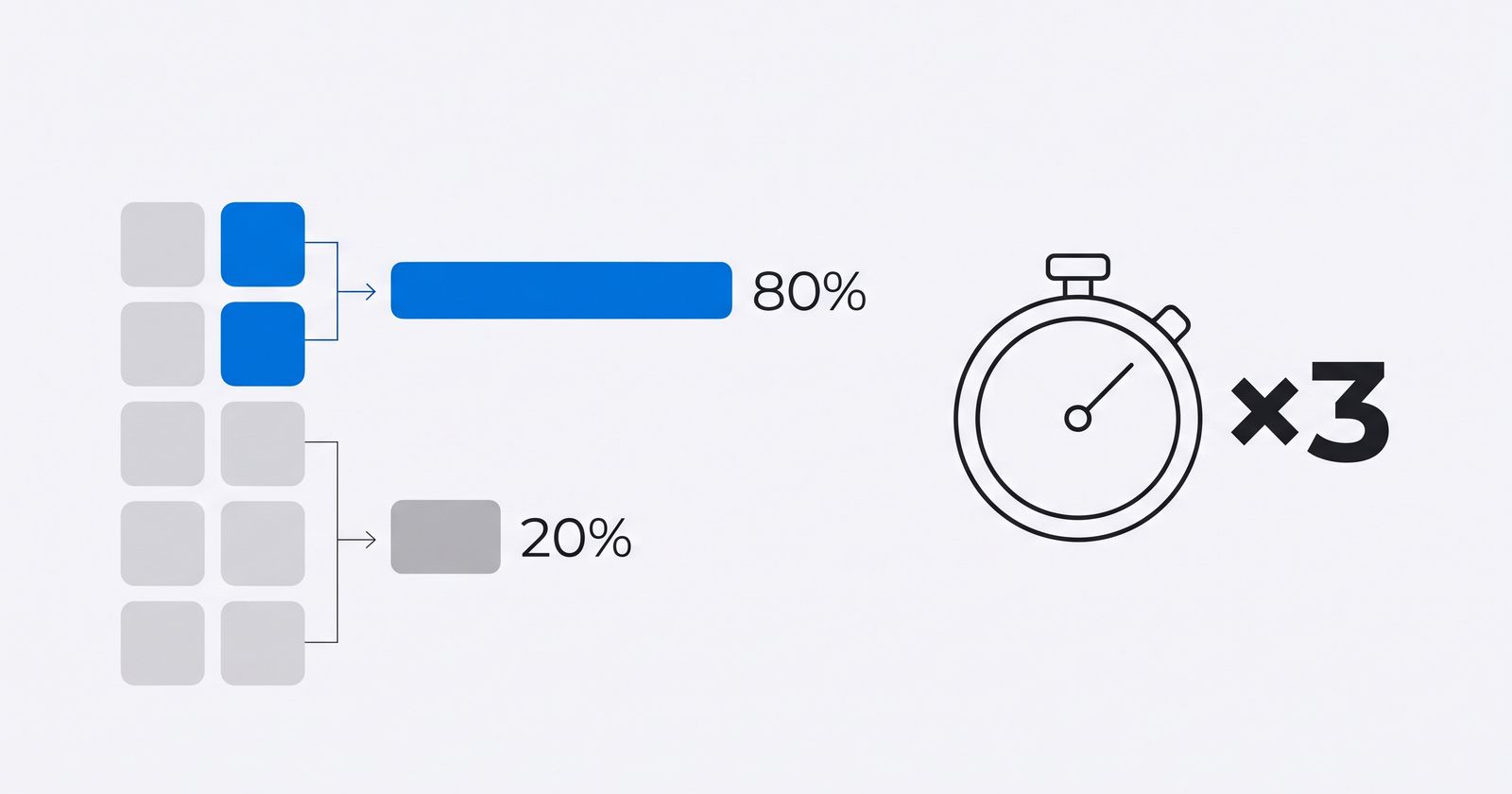
You've probably seen some version of "80% of sales require five follow-ups." It's everywhere, usually credited to a sales association that, as VentureBeat found, doesn't seem to exist, and there's no study behind it.
Here's what has actually been measured. In a Velocify analysis of nearly 3.5 million leads, 93% of the leads that converted were reached by the sixth call, and leads that took more than seven calls to reach were 45% less likely to convert. Following up works. Chasing doesn't.
What to do: two or three follow-ups, each one bringing something new. Never a bare "so...?".
- The next day: "I'm holding the medium for you until tomorrow."
- Three days later: "New photos of the blue one just came in. Want me to send them?"
- A week later: "Want to leave it for another time? I'll let you know when there's a sale."
Secret 9: Your broadcast list only reaches people who saved your number
Broadcast lists look like the way to send your promo to everyone. But there's fine print: up to 256 contacts per list, and the message only reaches people who have your number saved in their contacts. In some countries there's now a monthly broadcast limit, too.
What to do: every time you close a sale, ask to be saved: "Save us as Ana's Shop so you hear about our deals before anyone else." Without that, your list is an empty mailbox.
What's next: WhatsApp with AI
WhatsApp is filling up with AI for businesses. In June 2026, Meta introduced Meta Business Agent, an AI that answers questions, recommends products and closes sales inside the app. In September, it launched Meta One, a subscription with business plans starting at $14.99 a month.
One detail worth knowing before you turn it on: according to WhatsApp's help center, using Business Agent may block broadcast lists, disappearing messages, and greeting and away messages. You get them back by removing the agent.
When the conversations are more than you can handle
Put these secrets to work and two things will happen, one good and one not so good: more people will message you, and you'll have less time to answer. That's when secret 1 gets hardest to keep, especially at 11 p.m.
It's exactly the kind of job an AI agent for WhatsApp does well: it replies in seconds with your real prices, asks a question before the price, sends two options and hands a person anything outside its rules. With Ageentiq you keep your number and your WhatsApp Business app, and nothing gets saved without your approval. The guide to get started is how to connect WhatsApp.
Frequently asked questions
How can I sell on WhatsApp without a website?
Run an ad that opens WhatsApp, set up a catalog inside WhatsApp Business and save quick replies for the questions you get most. Get paid with a payment link or a bank transfer. The website can come later, once you know what sells.
What should I say to customers to sell on WhatsApp?
Ask questions that uncover the need before you give the price ("When do you need it by?", "Is it for you or a gift?") and use lines that offer two options ("Let me show you two that could work"). Avoid answering with just the price.
How do I close a sale on WhatsApp?
Recap what they picked, give the total with shipping included and ask about one concrete next step: "Should I send you a payment link, or would you rather pay by bank transfer?" A two-option question closes better than "Do you want it?"
How do I follow up on WhatsApp without being pushy?
Send two or three messages on different days, each with something new: a photo, a size you set aside, a sale. If they still don't reply, put them on a list for next season.
Can customers pay inside WhatsApp?
Only in a few countries. WhatsApp says people can pay registered businesses in the app in India, Brazil, Mexico and Indonesia. Everywhere else, you send a payment link or your bank transfer details, and the customer sends the receipt in the chat.
How many contacts can a WhatsApp broadcast list have?
Up to 256 per list, and the message only reaches people who have your number saved. To reach more people, businesses use WhatsApp Channels (one-way) or the WhatsApp Business API.
Get new posts by email
One email when we publish: ideas to sell more, get more done and use AI in your business, with sources. Unsubscribe in one click.
By subscribing you accept our privacy policy.